

One image at a time
Upload one supported still image and keep the original file on your device until you submit the job.
Brush over unwanted people and restore the background
Remove backgrounds and add colors or your own images
Open closed or half-closed eyes in a photo with AI. Choose the person in a group photo, compare the edit, and download your result.
FREE IMAGE TOOLS
 After
 Before
Give portraits a clean cutout for profile pictures, team pages, and creative layouts. Remove a distracting scene, preview the edges, and download a transparent PNG that works with your next design.
Remove a background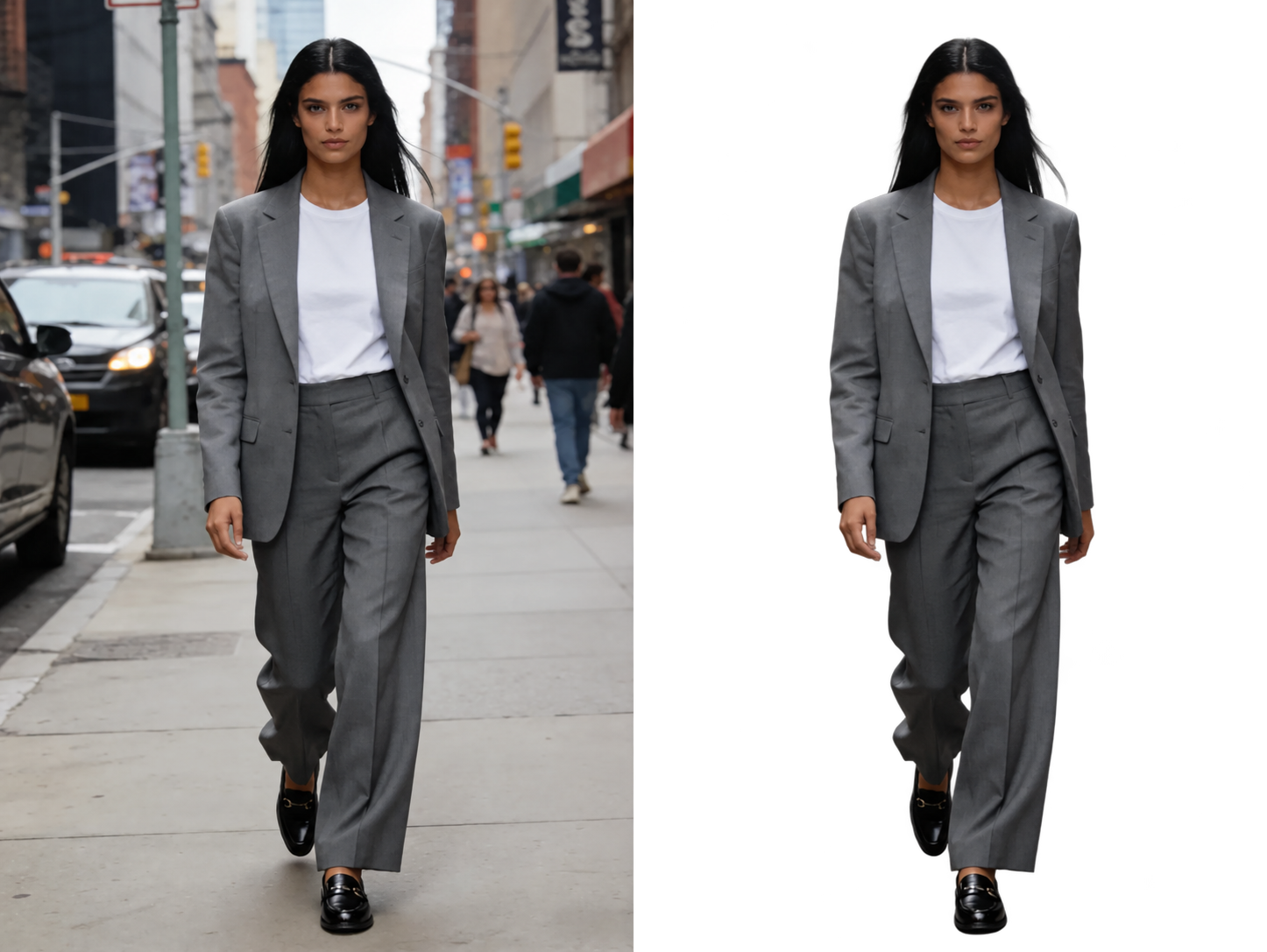 After Before
Put the focus on your product. Create a transparent cutout for product listings, catalog layouts, and promotional designs, then choose a background color that suits your store.
Remove a background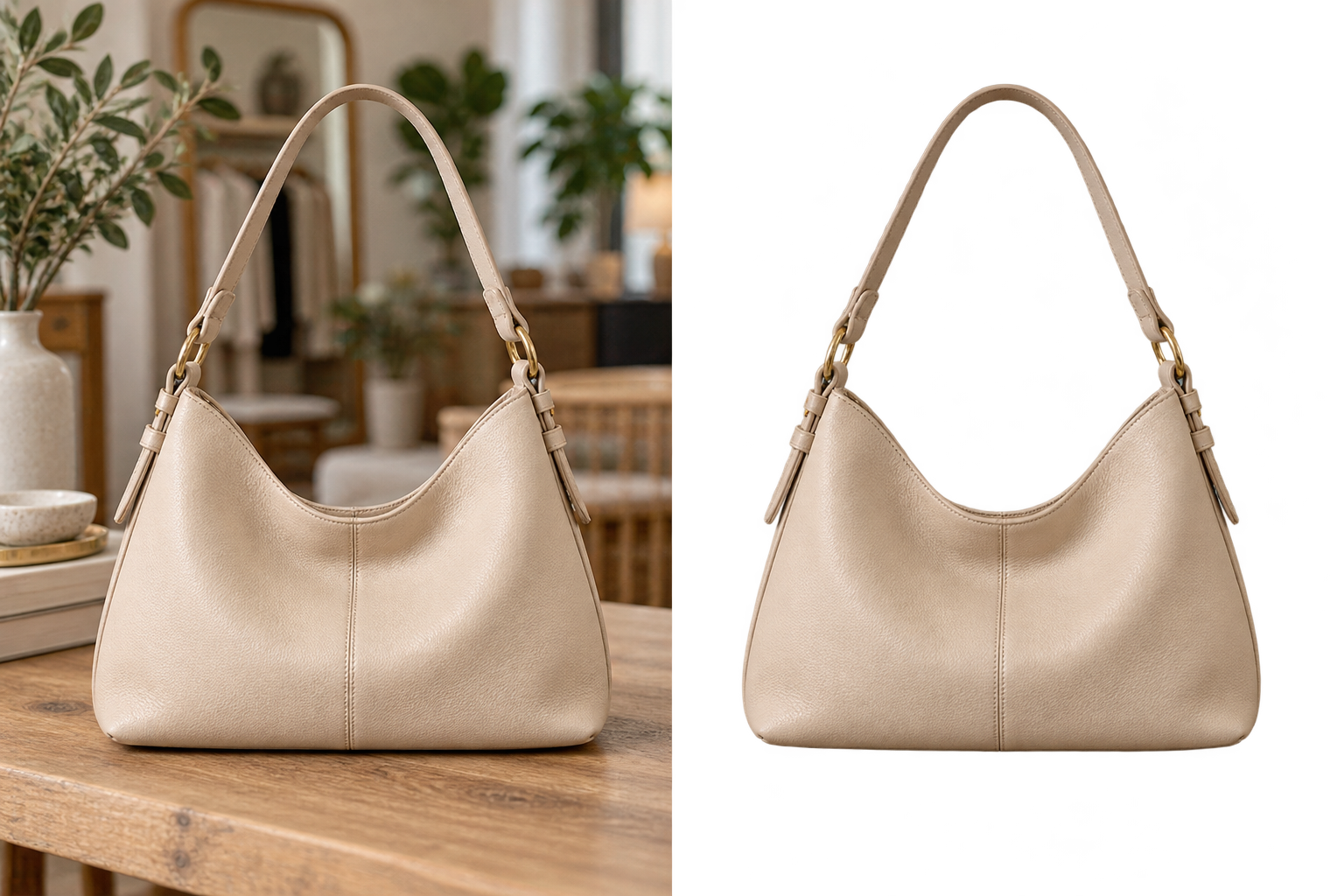 After Before
Once the background is removed, keep it transparent, select a color, or upload your own background photo. Preview the new look and download a separate composited PNG. No additional AI request or credits are needed.
Remove a background After Before Choose a still JPG, PNG, or WebP image with one or more visible subjects.
AI separates the visible subject from the background to create a transparent cutout.
Preview the result and download the transparent PNG for your next project.
A background remover separates the visible subject from the rest of a photo and returns an image with a transparent background. Use the cutout in a product listing, profile image, presentation, or design layout.
Upload one supported still image and keep the original file on your device until you submit the job.
Completed jobs are checked for PNG transparency and stored privately for authorized download.
See whether a request is queued, processing, complete, or failed. Credits are reserved when work starts, charged on success, and returned on failure.