EzColorize
Colorize & Restore
Photo ColorizerHOT

Colorize and restore black & white photos

AI Color MatchNEW

Match photo colors to a reference image

Edit & Cleanup
Remove People from PhotoNEW

Brush over unwanted people and restore the background

Background Remover

Remove backgrounds and add colors or your own images

AI Open Eyes – Fix Closed Eyes in PhotosNEW

Open closed or half-closed eyes in a photo with AI. Choose the person in a group photo, compare the edit, and download your result.
Free
Image ConverterFREE

Batch convert JPG, PNG, and WebP images

Image ResizerFREE

Resize JPG, PNG, and WebP images locally

Keep On Steppin AI Dance

Create a synchronized five-character dance video.

Pricing

AI Open Eyes – Fix Closed Eyes in Photos

Save the photo you meant to keep. Open a blink naturally while keeping the person, expression and scene as close to the original as possible.

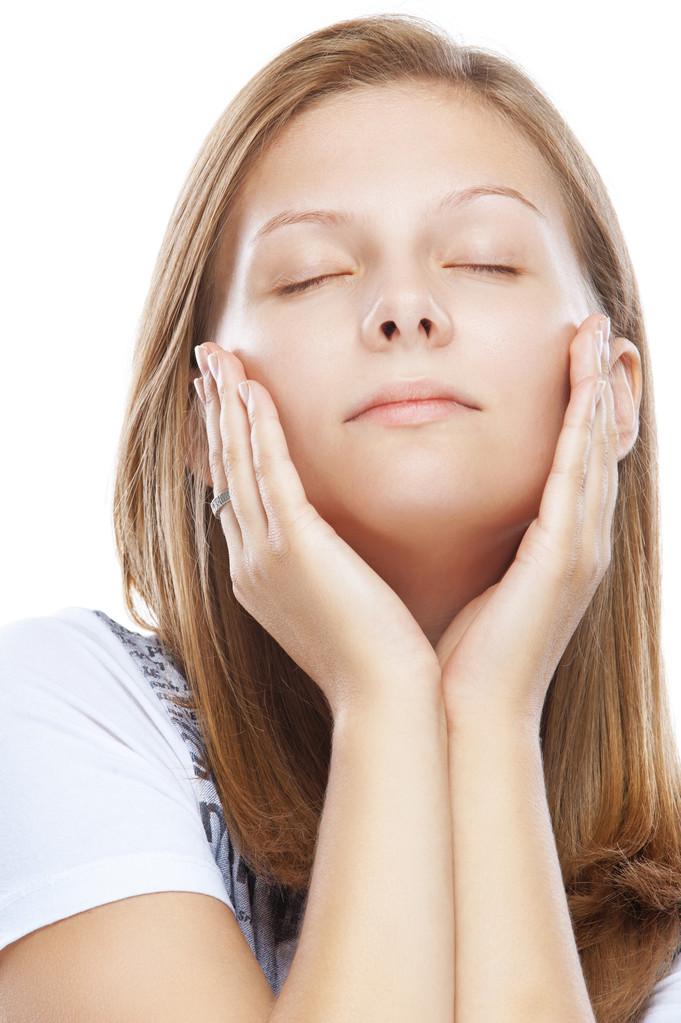
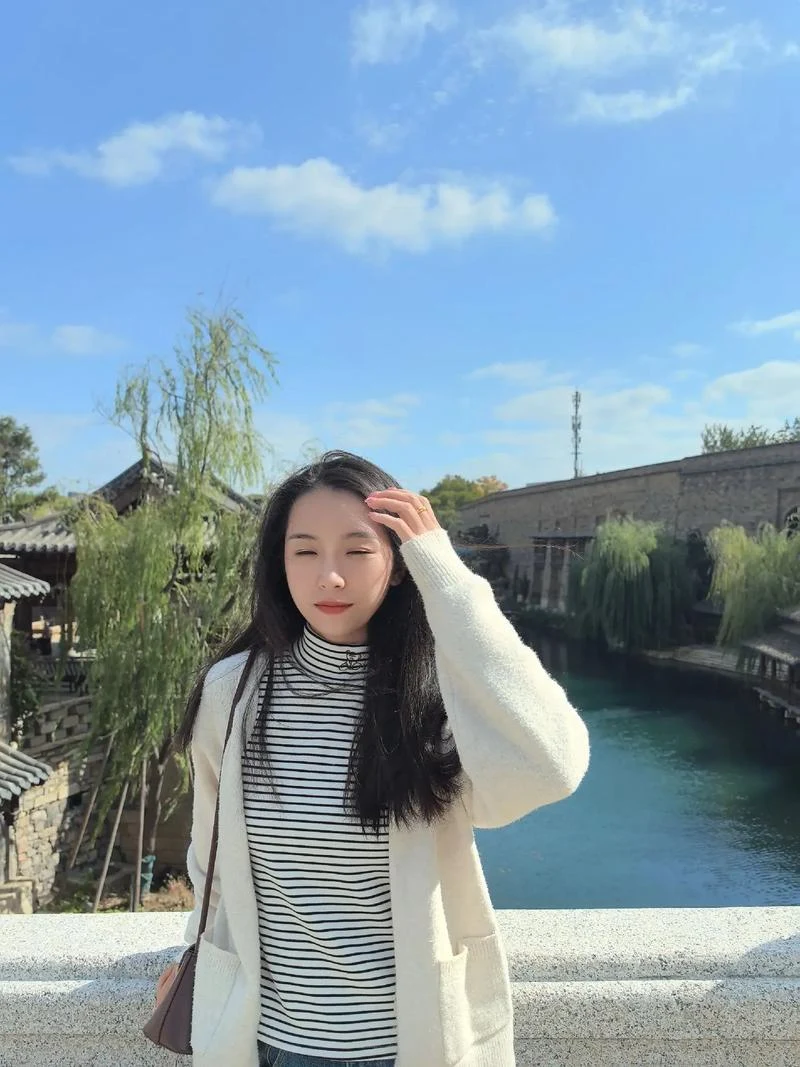
Photo with eyes repaired After
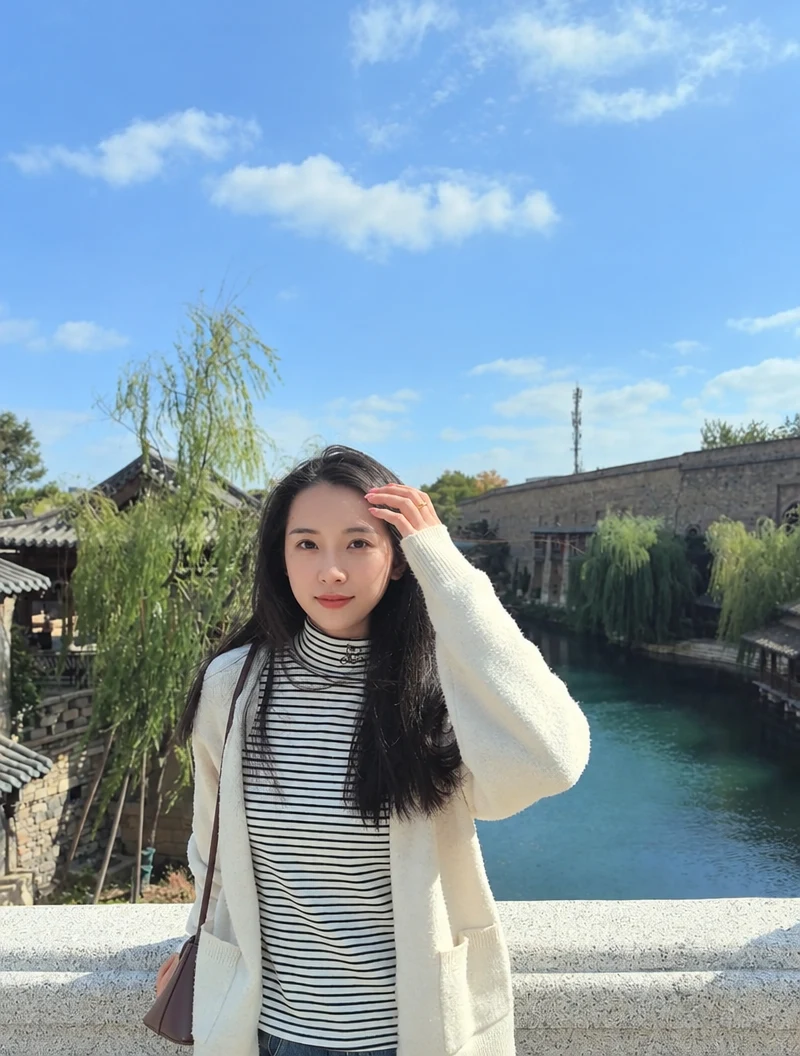
Original photo Before

Open Eyes

This edit uses 8 credits.

-8 credits

AI-Powered Open Eyes for Natural Results

Photo with eyes repaired After
Original photo Before

One-Click AI Eye Opening

Bring a favorite photo back to life when someone blinks or squints. Upload the image and let AI open their eyes naturally, without complicated manual editing.

Open Eyes
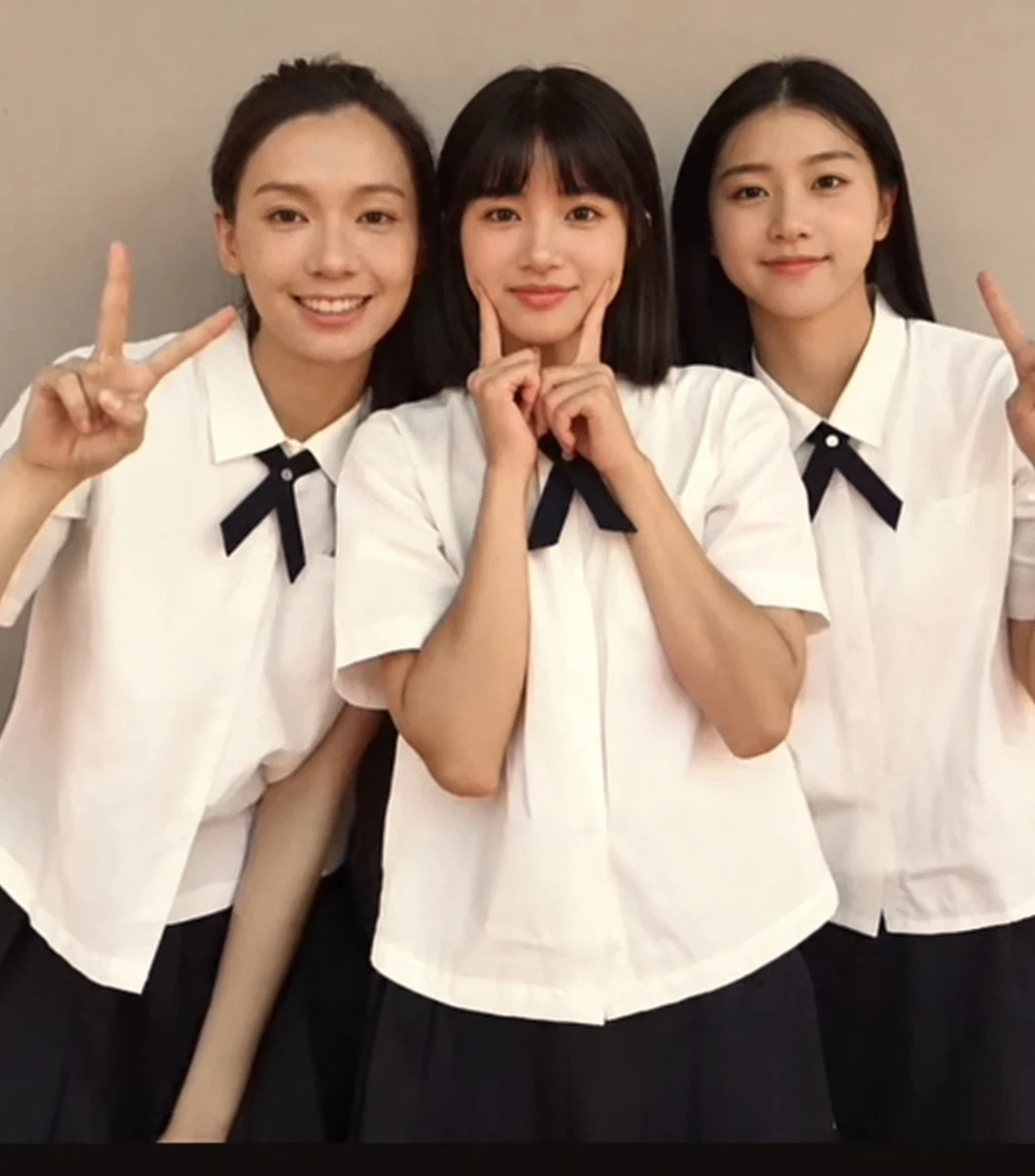
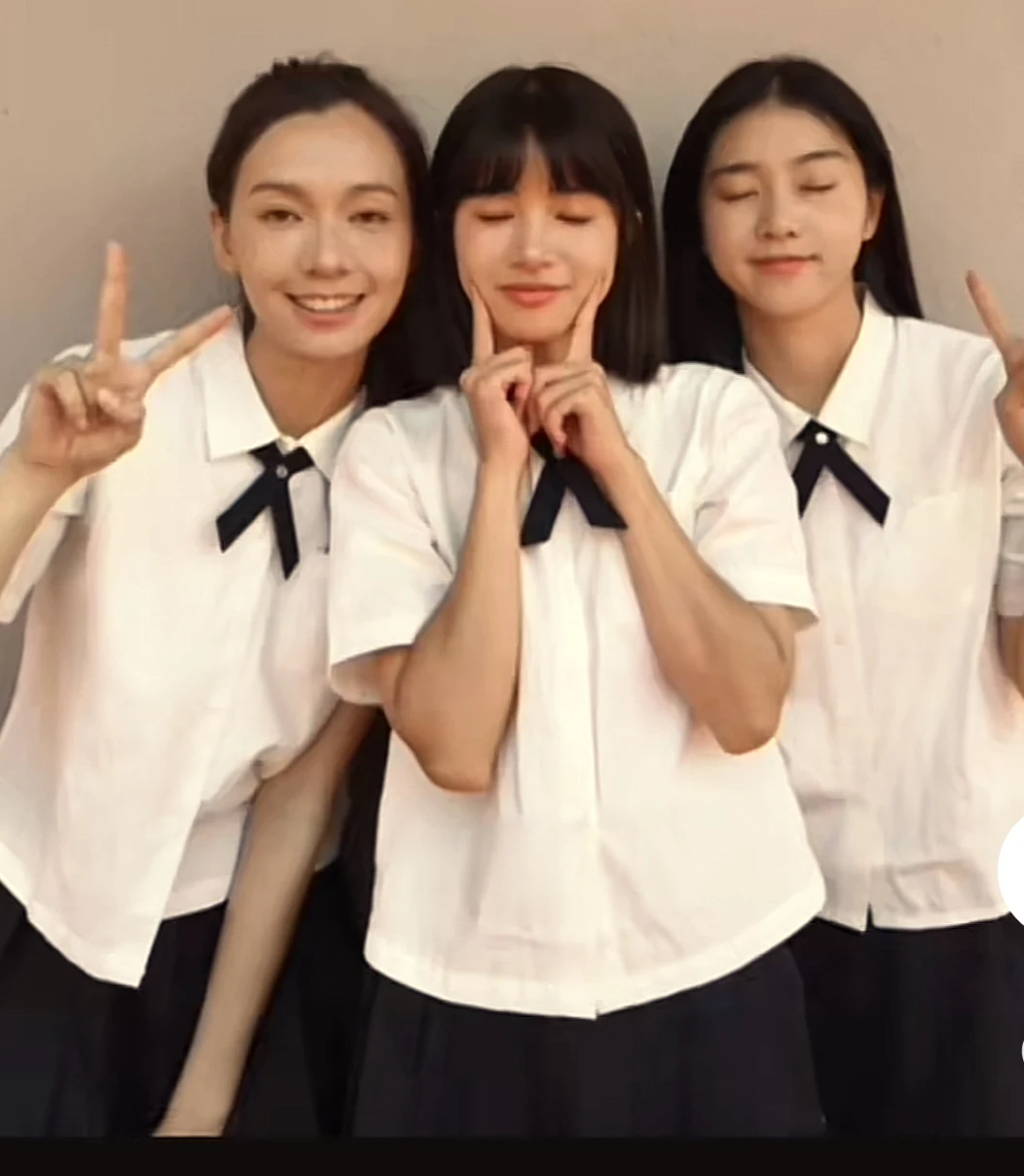
Photo with eyes repaired After
Original photo Before

Select each person’s eyes in a group photo

Draw a box around each eye area you want to repair. Review the result to check every selected person.

Open Eyes

How to Open Eyes in a Photo

01

Upload your photo

Choose the portrait or group photo with closed or half-closed eyes.

02

Choose the person

In a group shot, tap the eye area you want repaired. Single portraits can be handled automatically.

03

Compare and download

Review the eyes and surrounding details before saving the result.

For photos you cannot retake

Try it for portraits, family gatherings, wedding photos and travel shots where someone blinked. Results depend on face size, angle and image quality.

Frequently Asked Questions

Will the eyes look like the same person?

AI uses the visible face for guidance, but hidden eye details must be estimated. Check eye shape, gaze and expression before using the result.

Can I repair one person in a group photo?

Yes. Draw a box around each person’s eyes, then review the result for each person.

Can I add an open-eye reference photo?

Yes. Optionally add a clear photo of the same person with their eyes open. It guides eye appearance and identity; the edited photo remains the source scene.

Does it work with glasses or small faces?

Clear glasses may work, but glare, sunglasses, blur and tiny faces make results less reliable.

Is my photo private?

Uploads and results are stored privately for processing and are available only to the owning account or browser.

How many credits does it cost?

The current credit price appears beside the button and is confirmed before submission. Definite processing failures release reserved credits.

Related Tools

AI Background RemoverAI Color Match
EzColorize

Bring old memories back to life with EzColorize. Colorize black-and-white photos, restore faded images, and enhance details with AI—all online, with no download required. Try it free with daily credits.

Contact Us[email protected]

Tools

  • Photo Colorizer
  • Image Converter
  • Image Resizer

Resources

  • Blog
  • Pricing

Image models

  • GPT Image 2.5
  • GPT Image 2
  • Nano Banana 2
  • Nano Banana Pro
  • Nano Banana
  • Seedream 5.0

Video models

  • Seedance 2.5
  • Seedance 2.0
  • Kling 4.0
  • Kling 3.0

© 2026 ezcolorize.com. All rights reserved.

Privacy PolicyTerms of ServiceRefund Policy
Featured on Twelve ToolsEzColorize - Featured on Startup FameFeatured on ToolPilotVerified on Dang.ai